CRM field mapping is one of the most overlooked components of membership management, yet it’s the foundation of clean data, accurate segmentation, automated workflows, and reporting that leadership can trust. When fields are poorly defined or inconsistently used, your CRM becomes fragmented. When they’re intentionally structured and mapped, your membership data becomes actionable.
You manage renewals, events, billing, and communication across multiple touchpoints. That complexity requires precise data architecture.
In this guide, we’ll walk through the membership CRM fields that drive action, the ones associations should drop, and how structured mapping on our all-in-one membership CRM strengthens every downstream process from segmentation to analytics. If your team wants to simplify data, unify records, and remove operational friction, CRM field mapping is the fastest place to start.
Key Takeaways
- CRM field mapping drives automation, segmentation, and reporting accuracy.
- Actionable fields include membership status, engagement activity, billing data, and demographics.
- Removing duplicate or irrelevant fields improves workflow efficiency.
- Glue Up offers a structured CRM designed for membership operations.
- Smart Lists, finance integration, and a self-service portal keep data clean and current.
Why CRM Field Mapping Matters for Associations
Before you decide what to keep, revise, or eliminate, you need a data architecture that supports membership operations. Most associations accumulate fields over years of manual fixes, legacy systems, volunteer transitions, and event imports. The result is duplicated information, unusable custom fields, inconsistent naming, and gaps that cripple workflows.
Here’s what field mapping unlocks when done correctly:
A Single Source of Truth Across Departments
Clean field mapping removes inconsistencies between membership data, event participation, finance, and engagement. When every record follows a unified structure, your CRM becomes a reliable operating system instead of a scattered repository.
Accurate Segmentation and Targeting
Renewal campaigns, event invitations, sponsorship outreach, and chapter communication rely on precise segmentation. Misaligned fields create noise. Clean mapping ensures every dynamic list pulls the right members at the right time.
Consistent Data for Automation
Automated workflows only work when fields are standardized. When you automate renewals, onboarding sequences, surveys, or financial reminders, your CRM needs fields that follow a clear and predictable logic.
Reliable Reporting and Board-Level Insights
Board presentations, member engagement dashboards, financial summaries, and churn analysis depend on consistent data definitions. Field mapping ensures your insights are real, not distorted by mismatched fields or missing values.
The CRM Fields That Actually Drive Action
You don’t need hundreds of fields. You need the right ones, structured in a way that supports automation, segmentation, analytics, and finance operations. Below are the fields that matter most for associations and what they enable.
Membership Identity Fields
These define who the member is and how they relate to your organization.
- Member Type or Tier
- Join Date
- Renewal Date
- Status (Active, Lapsed, Pending)
- Chapter or Local Affiliation
These fields enable renewal automation, tier-based pricing, chapter reporting, and lifecycle segmentation.
Engagement Activity Fields
These track how members interact with your programs.
- Event Attendance History
- Email Engagement (opens and clicks)
- Community Participation
- Resource Downloads
- Program or Committee Involvement
With clean mapping, you can build dynamic engagement scores, personalize communication, and identify members at churn risk.
Financial and Billing Fields
Membership operations depend on accurate billing data, especially when your CRM connects to accounting systems.
- Payment Status
- Invoice History
- Auto-Renewal Preference
- Dues Amount
- Transaction Dates
These fields connect directly to automated renewals, financial reporting, and payment recovery processes.
Organizational and Demographic Fields
These fields power targeted messaging and segmented campaigns.
- Company or Organization
- Industry
- Job Title
- Region
- Seniority
These are essential for event marketing, sponsorship sales, and chapter-level strategy.
Operational Fields for Automation
These fields help workflows run smoothly without staff intervention.
- Last Contacted Date
- Workflow Stage
- Communication Preference
- Consent or Opt-In Flags
Proper mapping here ensures every automation triggers exactly when it should.
Fields You Should Remove or Consolidate
Most associations don’t suffer from a lack of data. They suffer from too much of the wrong data. Excess fields slow down reporting, complicate automation, and increase manual entry.
Remove Duplicate Fields
Don’t keep multiple versions of “Company,” “Organization,” or “Firm Name.” Clean mapping consolidates these into one authoritative field.
Eliminate Irrelevant Historical Fields
Fields created for one-time events, old campaigns, legacy membership structures, or retired programs clutter your CRM and confuse staff.
Drop Fields Without Operational Value
If a field doesn’t support segmentation, automation, finance, or reporting, it’s noise.
Simplify Custom Fields
Custom fields are useful when intentional. They become a liability when unmanaged. Use them for genuine association-specific needs, not as long-term storage for ad hoc data fixes.
How Glue Up Structures CRM Field Mapping for Membership Data
Glue Up takes a streamlined approach to CRM field mapping so associations can manage members with clarity instead of complexity. The all-in-one membership management platform doesn’t overload you with unnecessary fields. Instead, it provides a clean, structured data environment designed specifically for membership, events, finance, and engagement.
Below are the features that support effective CRM field mapping inside Glue Up:
Membership CRM With Unified Field Structure
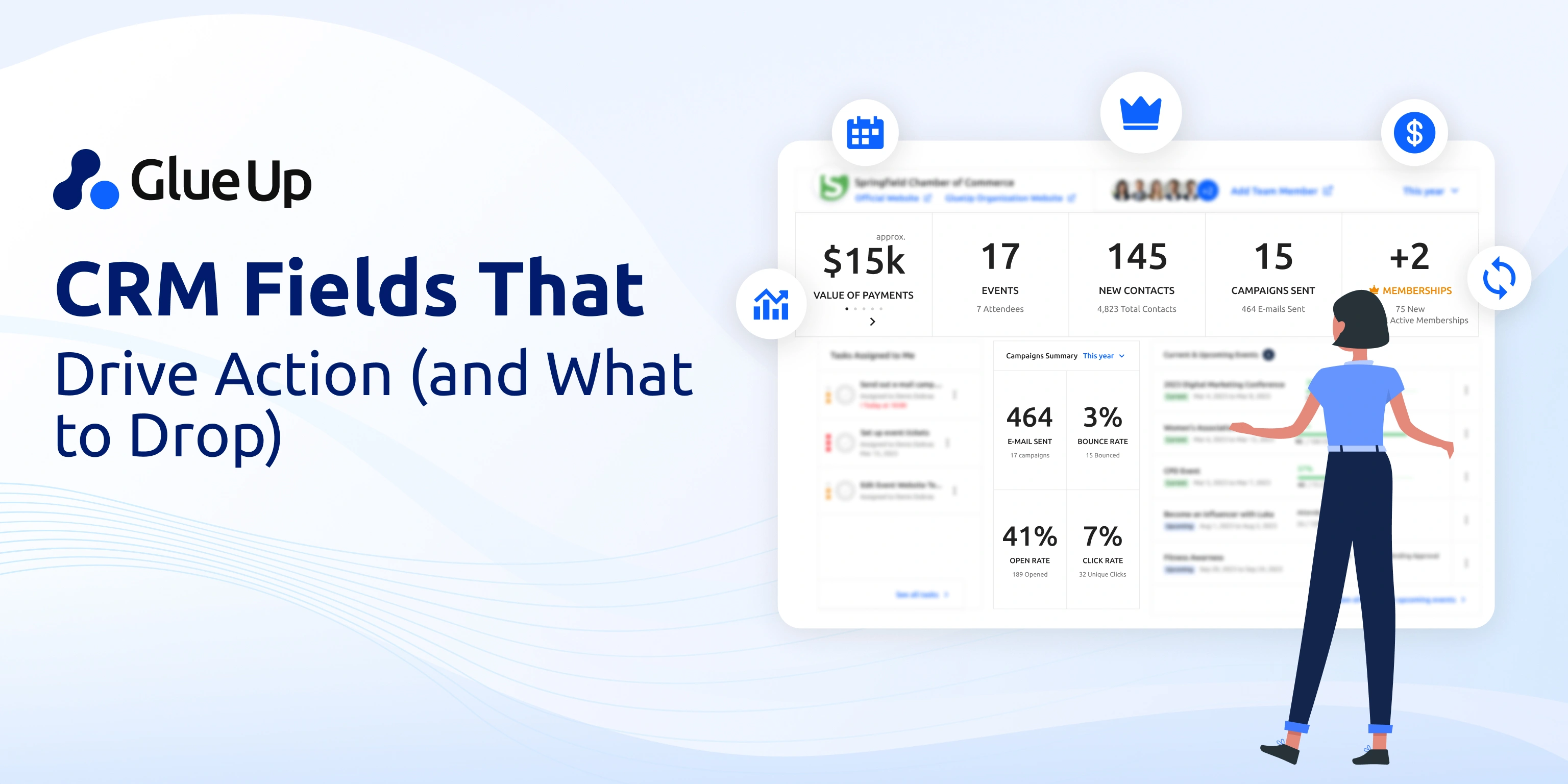
Glue Up centralizes contact information, membership status, engagement data, event participation, and financial history in one environment. The system maintains consistent field definitions so your team isn’t cleaning data across multiple tools.
Custom Fields with Clear Governance
The platform allows you to add custom fields for membership-specific needs, but the structure keeps them organized so they don’t interfere with automation or segmentation.
Dynamic Smart Lists for Real-Time Segmentation
Smart Lists, once created, update continuously based on mapped fields. Engagement level, payment status, event behavior, or member region can trigger real-time segmentation.
Integrated Finance Fields
Invoices, payments, dues, and auto-renew flags tie directly to member records. Because Glue Up integrates with QuickBooks, Xero, and Sage Intacct, your field mapping stays aligned with your accounting workflow.
Build a CRM Structure That Strengthens Engagement and Retention
Your CRM is only as strong as the fields you map and the structure you enforce. When you simplify your data, consolidate your fields, and align your CRM with operational workflows, you remove ambiguity and improve every downstream task.
If you want a membership CRM that reduces complexity and supports clean data from day one, book a demo to see how Glue Up keeps your field mapping disciplined and functional.
Quick Reads
- How to Build a Revenue Engine with Association Management Software
- Add-On Cart for Member Retention & Growth
- Simplify Multi-Currency Payment Posting for Community Chapters With Glue Up + Paygage
- AI Automation for Event Registration & Beyond
- Integrating AI into CRM for Membership Growth
- How to Build a Chapter Event Calendar
- What Is All-In-One Association Software?
- AI-Powered Member Check-In Software

It’s the process of defining, organizing, and standardizing the data fields used to manage members.
Membership identity, engagement behavior, billing fields, and demographic segmentation.
Audit, consolidate, remove duplicates, and eliminate fields that don’t support operations or reporting.
Through structured data fields, custom field controls, Smart Lists, financial integration, and a unified membership CRM.