Webinar attendance often drops even when everything seems right. You lined up a strong speaker, chose a relevant topic, and sent the invitations. People registered. Then the session starts, and only a portion actually shows up.
Low webinar attendance is a common frustration for chambers, associations, and member-based organizations. It’s more than disappointing. Every no-show is a missed chance to engage members, deliver real value, and move interest into action.
Improving webinar attendance isn’t about sending more reminders or pushing harder promotions. Smart timing, clear messaging, and a smooth experience from registration to join time make the real difference.
In this post, you’ll find practical ways to increase webinar attendance and turn more registrants into live attendees, without adding extra strain to your team.
Key Takeaways
- Use member data to choose webinar topics that feel personal and useful.
- Mid-week webinars (Tues–Thurs, 10 AM–2 PM) tend to perform best. Promote 2–3 weeks in advance and always include calendar links.
- A well-planned 3-step reminder strategy (1 week, 1 day, 1 hour before) can boost attendance by over 30%.
- Webinars with limited seats, member-only access, or exclusive content get more sign-ups and higher live attendance.
- Use data to spot drop-off points, refine timing, and improve future attendance. Send recordings to no-shows, ask for feedback, and invite them to the next session based on their interest.
Quick Reads
- AI-Powered CRM in Membership Management
- Partnership vs Sponsorship: What’s Best for You?
- How AI is Revolutionizing Event Planning
- Comparing the Best Association Management Software
- Transform Your Financial Management with Tools
- How to Promote Membership in the Most Effective Ways
Know Your Audience, and Give Them a Reason to Show Up
Not all topics are created equal, and not all members respond to the same pitch. The first step to improving attendance is making sure your webinar feels like it was made for them.
Use Member Data to Pick Relevant Topics
If you’re not sure what your members care about, start with what they’ve already engaged with:
- Past event attendance
- Most-clicked email topics
- Survey responses
- Job roles or industry segments in your database
Example: If you see that small business members engage most with billing or marketing content, create a session like “How to Automate Invoicing Without Hiring More Staff.” The more specific the topic, the more likely they’ll show up.
Position the Webinar as a Solution, Not Just an Event
Generic titles like “Monthly Member Webinar” don’t move people. But ones like:
- “3 Ways to Improve Member Retention in 2025”
- “How One Chamber Grew Event Revenue by 40%”
Such titles signal an immediate, concrete value. Moreover, every webinar should answer the question for your audience: “What will I walk away with?”
Time It Right And Tell Them Early
Even the most relevant topic won’t get attention if it shows up at the wrong time or too late. A smart scheduling and promotion strategy makes your webinar easier to commit to.
Pick the Right Day and Time
For most professional audiences, the sweet spot is:
- Tuesday through Thursday
- Late morning or early afternoon (10:00 AM–2:00 PM local time)
If your membership spans time zones, rotate times or pick what works best for your largest audience group. Avoid Mondays (catch-up day) and Fridays (early log-offs).
Promote Early With Calendar Holds
Start promoting your webinar 2–3 weeks in advance, and include:
- A “Save the Date” email
- Add-to-calendar links (Google, Outlook, etc.)
- Early teaser: “We’re announcing the speaker next week, stay tuned!”
Tools like Glue Up allow you to automate early invites and build anticipation without manual effort.
Send Smart Reminders, Don’t Just Repeat the Invite
Your reminder emails shouldn’t just say, “Don’t forget.” Each one should reinforce why the webinar matters.
Here’s a simple 3-part reminder flow:
- 1 week before: Highlight the value “What you’ll walk away with.”
- 1 day before: Introduce the speaker or share a short preview video
- 1 hour before: stats show that if you send a webinar reminder 1 hour before the webinar, you will receive a 138.41% open rate and 64.41% CTR
Bonus: Add an iCal or Google Calendar link in every reminder.
Use Multiple Channels
Don’t rely on email alone. Use:
- Push notifications from your member app
- Social posts for open registration
- SMS reminders if your members are mobile-heavy
The key is to meet your audience where they are and make it easy for them to act.
Make Registration and Joining Easy
Sometimes, the biggest reason people don’t attend is simply that the process feels like a hassle. Every extra step increases the chance they'll drop off before the webinar even begins.
Simplify Your Registration Process
Make it fast and friction-free:
- Use short forms, just name, email, and role if needed
- For members already in your system, offer 1-click registration
- Embed the registration directly in emails or the member portal
Glue Up’s platform lets members register right from the app, with their information already filled in; no typing is required.
Send Clear Joining Instructions
Once someone registers, make sure they never have to hunt for the link.
- Include the join link in confirmation emails, calendar invites, and every reminder
- Optimize for mobile, as a large portion of members join from phones
- Use a platform that opens with one click (Glue Up’s webinar tool supports in-app joining and instant access)
Don’t assume they’ll look for the link. Make it obvious.
Create Urgency and Exclusivity to Boost Webinar Attendance
Your members have plenty of things to compete for in their time. A little urgency and a sense of exclusivity can be the nudge they need to prioritize your webinar over everything else.
Use Limited Spots or Special Access
Scarcity drives action. Try lines like:
- “Only 100 spots available, first come, first served.”
- “Exclusive to active members only”
- “Live attendees get first access to the replay + bonus materials.”
According to stats, urgency-based emails (like time-limited offers) see a 22% higher conversion rate. You can even reserve early access for specific member tiers or interest groups, which Glue Up supports with permission settings and smart segmentation.
Include Speaker Credibility
People show up for people, not just topics.
- Highlight if your speaker is a well-known expert, industry leader, or peer
- Share a quote, photo, or short video from the speaker
- Emphasize what only the live audience will get to ask or hear
A trusted speaker gives your webinar instant weight.
Track Attendance Patterns and Refine Over Time
Improving webinar attendance isn’t a one-time fix; it’s an ongoing process. The more you learn from past webinars, the better your results get.
Analyze Who Attends vs. Who Registers
Look for trends in your attendance data:
- Are certain membership segments more likely to attend?
- Do certain times or topics perform better?
- What percentage of registrants actually show up?
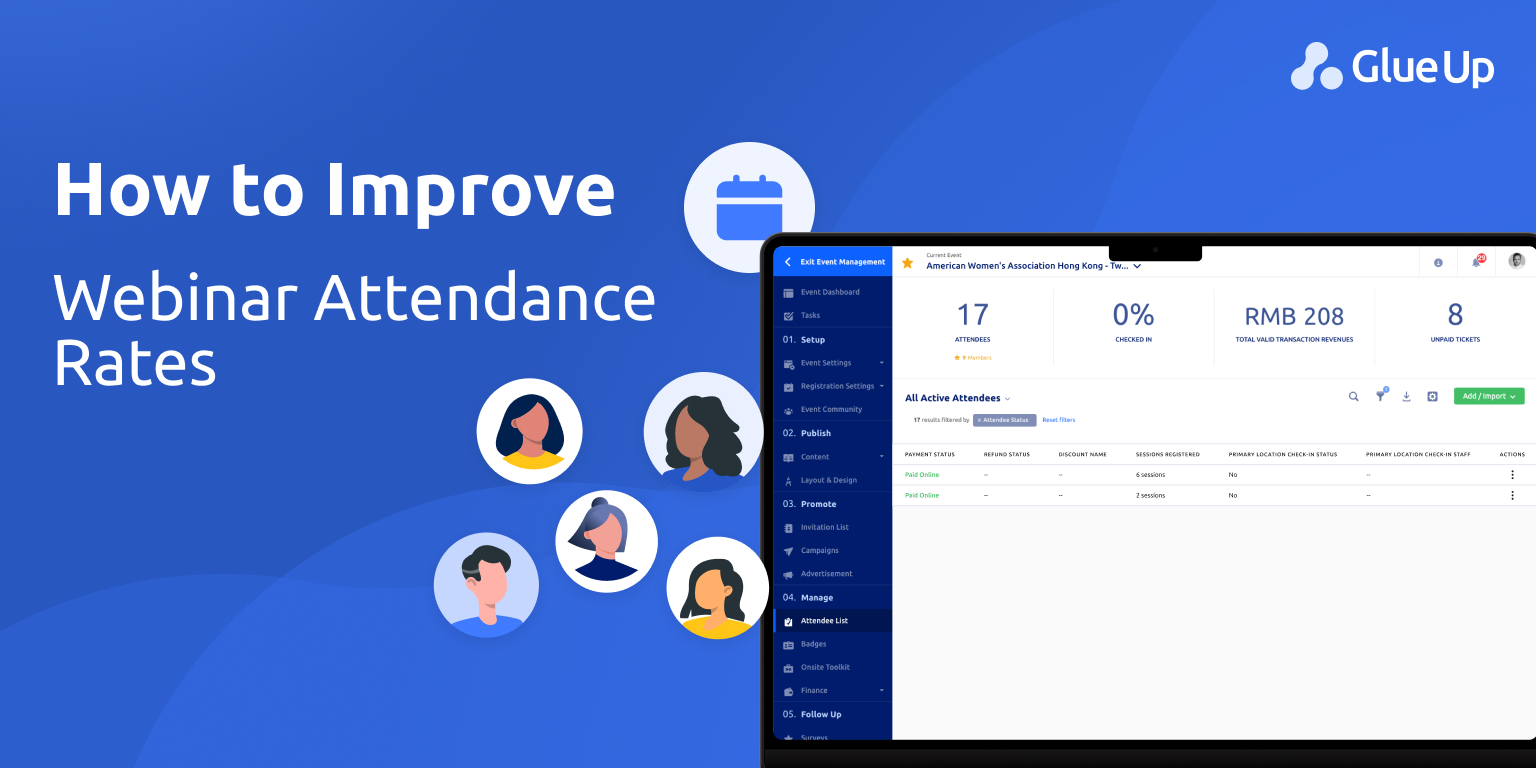
Glue Up provides post-event analytics, including attendance rates, drop-off points, and engagement metrics, so you can see what’s working and where to adjust.
Follow Up With Non-Attendees
Just because someone didn’t attend doesn’t mean they’re not interested.
- Send them the recording within 24 hours
- Ask a quick question: “Was the timing off?” or “What topic would you prefer next time?”
- Invite them to the next one, based on their feedback
Even non-attendance can become a chance to learn and re-engage.
Remove Friction to Improve Webinar Attendance
Even interested members miss sessions when small obstacles get in the way. Improving webinar attendance often comes down to removing these last-minute points of friction before the webinar begins.
Common issues that hurt webinar attendance include:
Calendar conflicts: If the webinar isn’t saved, it’s easy to forget. Always include calendar links in confirmations and reminders.
Confusing time zones: Clearly display the time zone and adjust automatically for registrants when possible.
Login or access issues: Multiple logins or external tools increase drop-off right before start time.
Last-minute link hunting: When members have to search for the join link, many won’t bother joining at all.
A smoother pre-webinar experience makes showing up the easiest choice. Tools like Glue Up support better webinar attendance by keeping join links visible in confirmations, calendar invites, reminders, and the member app, so access is always clear.
Turn Your Webinars Into Experiences, Not Just Events
Improving webinar attendance isn’t just about better timing or more reminders; it’s about delivering an experience your members actually want to be part of.
With Glue Up’s all-in-one Webinar Management Software, you’re not just sending out invites and hoping people show up. You’re building an event that’s easy to register for, enjoyable to attend, and valuable enough to talk about afterward.
From the moment someone lands on your beautifully branded registration page to the final post-event follow-up, Glue Up helps you:
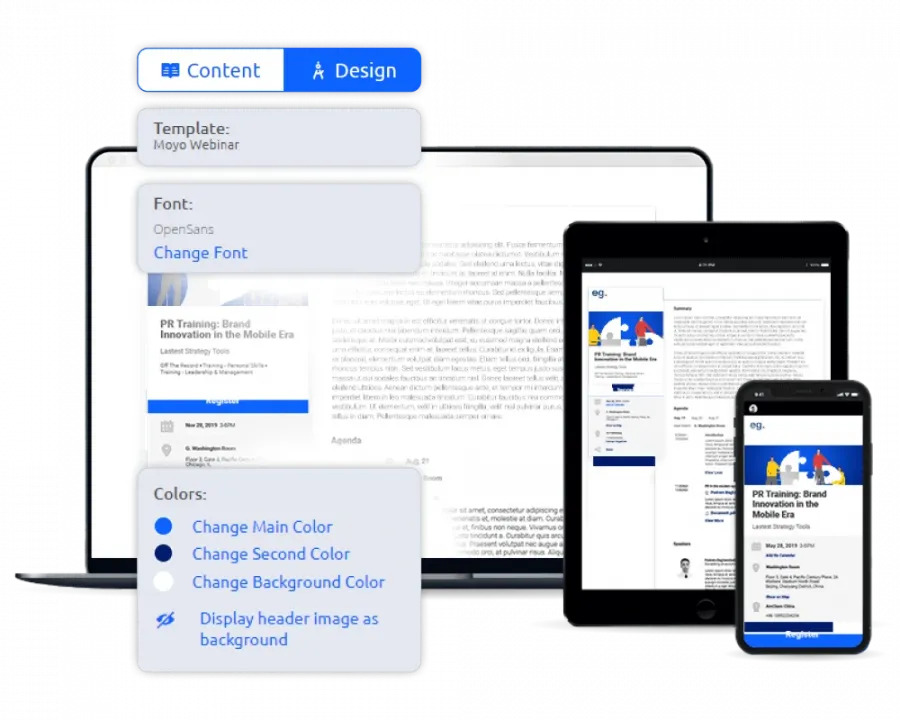
- Plan, promote, and host high-impact webinars that reflect your organization’s brand
- Enable real-time networking with 1-on-1 chats, digital business cards, and group discussions
- Track key performance metrics and audience engagement with personal dashboards and downloadable reports
- Monetize and scale your webinars through partner promotion, custom registration forms, and online payments
The best part? You can manage everything from a single platform, on desktop or mobile, without juggling tools or drowning in manual tasks.
If you're ready to stop guessing and start growing your attendance, Glue Up gives you the tools to make every webinar worth attending.

Webinar attendance rates vary, but many membership organizations see 30–50% of registrants attend live. Rates tend to be higher for member-only webinars, sessions with practical takeaways, or events tied to a current challenge members are facing. Tracking this consistently helps you set realistic benchmarks and spot improvement over time.
Earlier registration often leads to higher webinar attendance, especially when members receive reminders and calendar holds. Registrations that happen 7–21 days before the event generally perform better than last-minute sign-ups, because members can plan around the session instead of fitting it in on the day.
Yes. Shorter webinars often see stronger attendance and higher completion rates. Sessions between 30 and 60 minutes tend to perform best for professional audiences. Longer sessions can work, but only when the topic clearly justifies the time commitment and the value is made obvious upfront.
Recordings don’t usually reduce webinar attendance when positioned correctly. In fact, clearly stating that live attendees get extra value, such as Q&A access or bonus materials, can increase live participation while still allowing you to engage no-shows afterward with the replay.
Glue Up tracks registrations, live attendance, drop-off points, and engagement in one place. This makes it easier to see which topics, times, and member segments lead to better webinar attendance, without exporting data across multiple tools.
Yes. Sending the same webinar invite to everyone often lowers attendance. Segmenting by role, industry, chapter, or past engagement helps ensure members receive webinars that feel relevant. Glue Up supports segmented invites and permissions, so the right members see the right sessions.
Follow-up matters. Sending a short message with the recording, plus one simple question, helps re-engage no-shows. Over time, this feedback can reveal patterns that affect webinar attendance, such as timing conflicts or topic fatigue.
They do, especially for busy members. Many professionals join webinars from phones or tablets. Platforms that support one-click joining and mobile access, like Glue Up, remove friction and make it easier for members to attend even when they’re away from their desks.
Yes. Educational webinars tied to real member needs often increase perceived value. When members regularly attend useful webinars, webinar attendance becomes a signal of engagement, which can positively influence renewal conversations.