
Speed networking isn't just a trendy event format; it’s one of the most efficient ways chambers and associations can help their members connect meaningfully in a short amount of time. Whether you're welcoming new members, supporting small businesses, or helping long-time members find fresh opportunities, a well-run speed networking session can deliver real value fast.
But to make it work, you need more than a timer and some tables. You need structure, communication, and the right tools. That’s where this checklist comes in.
In this blog, you’ll find everything you need to plan, run, and follow up on a speed networking event, whether it’s in person, virtual, or hybrid.
Key Takeaways
- When structured well, these events help chambers and associations boost member engagement and provide real value quickly.
- Setting goals, choosing the right format, and preparing members beforehand are critical for smooth execution and higher attendance.
- Tools like Glue Up automate time tracking, attendee rotation, and follow-up, especially for virtual or hybrid setups.
- Having a clear emcee, networking prompts, and support for shy participants makes the event inclusive and energizing.
- Timely thank-you emails, shared contact data, and next-step invitations turn one-time connections into ongoing relationships.
Quick Reads
- AI-Powered CRM in Membership Management
- Partnership vs Sponsorship: What’s Best for You?
- How AI is Revolutionizing Event Planning
- Comparing the Best Association Management Software
- Transform Your Financial Management with Tools
- How to Promote Membership in the Most Effective Ways
Pre-event Planning Checklist
Running a successful speed networking event starts long before the first handshake or video call. Here’s what chambers and associations should lock in before event day.
Define Your Networking Goals
Before anything else, set clear objectives or goals. 73% of event marketers cite this as the most critical factor in measuring event success. Be clear on what you're trying to achieve.
Are you helping small business members find leads? Encouraging collaboration among nonprofits? Onboarding new members? Your goal will shape everything from format to follow-up.
Choose the Right Format
Not every speed networking session looks the same. You’ll want to decide between:
- 1-on-1 rounds (ideal for quick, focused connections)
- Small group rotations (better for larger groups or themed discussions)
- In-person, virtual, or hybrid setups, depending on your audience and location spread
Select a Platform (For Virtual or Hybrid Events)
If you're not meeting in person, choose a platform that supports:
- Timed 1:1 or group meetings
- Automated rotation
- Easy login and mobile access
Glue Up’s speed networking software handles all of this with automatic matching, built-in timers, and follow-up prompts.
Promote the Event to the Right Audience
Send targeted invitations to:
- New members who want to get involved
- Long-time members looking to expand their network
- Specific groups (industries, roles, business types)
Use email campaigns, mobile notifications, and social channels. Emphasize clear benefits, such as “Meet 10 new contacts in 30 minutes.”
Prep Your Participants
Speed networking works best when everyone’s ready.
- Send a short “how it works” guide
- Share etiquette tips and conversation starters
- Encourage participants to prepare a 30-second intro or bring digital business cards
On-The-Day Checklist
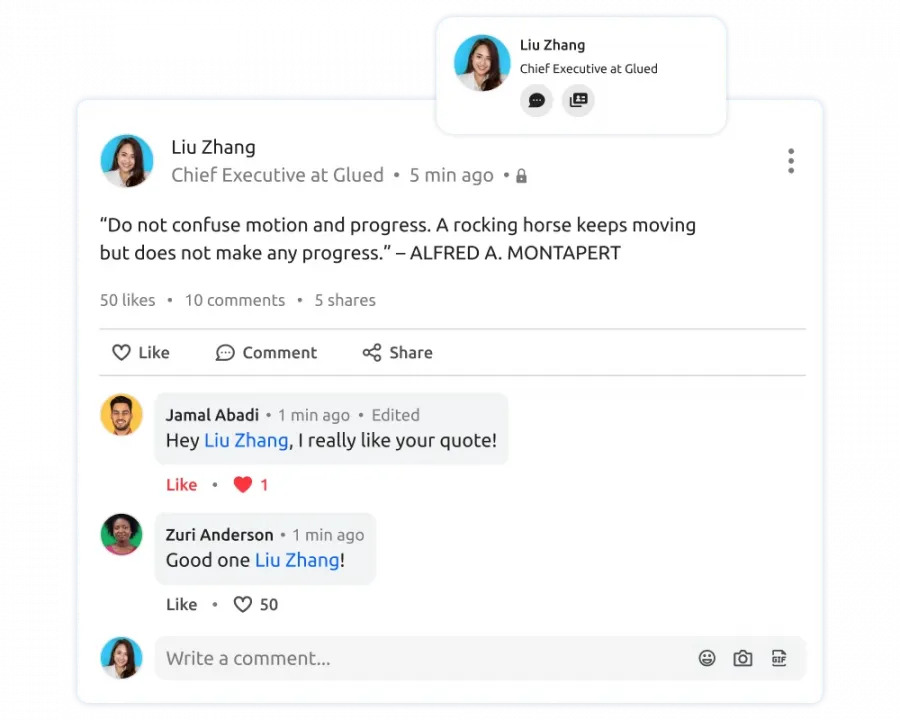
The day of the event is where all your prep pays off, or falls apart. Whether you’re hosting in person or online, smooth execution keeps the energy high and your members engaged.
Set Up the Space or Platform Early
- For in-person events: check that tables, signage, check-in desks, and timers are ready.
- For virtual events: test breakout rooms, audio/video settings, and automated time limits at least 30 minutes before go-time.
Having staff on standby to troubleshoot tech or guide attendees makes a huge difference.
Have a Moderator or Emcee
You need someone to:
- Welcome attendees and explain the format
- Keep rounds moving on time
- Maintain energy and troubleshoot as needed
They don’t have to be flashy, just clear, confident, and friendly.
Use Visible or Audible Timers
Whether it’s a projected clock or a built-in countdown, timing is everything in speed networking.
- Keep rounds consistent (e.g., 5–7 minutes each)
- Give a 30-second warning so conversations can wrap naturally
This reduces awkwardness and keeps things on track.
Provide Networking Prompts
Not everyone is a natural at small talk. Give participants a few sample questions in advance or on a visible slide. Examples:
- “What kind of members are you hoping to meet today?”
- “What’s one challenge your organization is facing right now?”
This helps conversations start faster and go deeper.
Support New or Shy Members
Speed networking can be intimidating for first-timers.
- Assign greeters or volunteers to check in with nervous participants
- Consider buddying up new members with more experienced ones
- Create a “quiet zone” or opt-out space if needed (especially in-person)
Common Speed Networking Mistakes to Avoid
Even well-intentioned speed networking events can fall flat when a few details are overlooked. These are the issues that most often reduce impact, and how to avoid them.
Overloading the agenda: Trying to squeeze too many rounds into a short window leads to rushed conversations and fatigue. Fewer, well-paced rounds usually result in better connections and higher satisfaction.
Skipping participant preparation: When attendees show up without knowing how the format works, the first few rounds feel awkward and waste valuable time. A short pre-event guide or reminder email sets expectations and gets everyone ready to engage.
No clear ownership during the session: Events without a visible moderator tend to drift. Someone needs to keep time, explain transitions, and step in if something breaks or stalls.
Weak or delayed follow-up: Connections fade quickly if there’s no structure after the event. When participants aren’t reminded who they met or what to do next, the value of the session drops sharply.
Treating it as a one-off activity: Speed networking works best when it’s part of a broader engagement plan, not an isolated experiment. Repeating the format with small variations helps members get more comfortable and see long-term value.
Post-event Follow-up Checklist
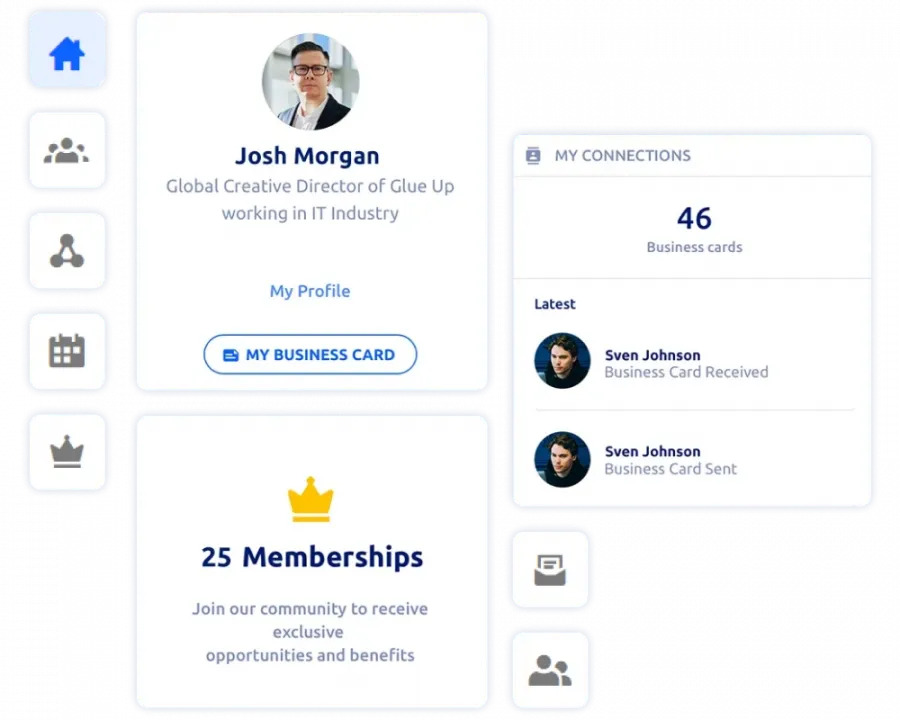
What happens after your speed networking event is just as important as what happens during it. Solid follow-up turns quick conversations into real connections and keeps your members coming back for more. According to stats, timely follow-ups can increase response rates by up to 50%.
Send a Thank-You + Feedback Form
Don’t wait. Within 24 hours, send a short follow-up email that includes:
- A thank-you note from your team or the emcee
- A 2–3 question feedback form (Was the format effective? Would they attend again?)
- A reminder of upcoming events or community resources
Pro Tip: Automate this using your CRM or event platform. Glue Up lets you trigger this instantly.
Share Connection Data (For Virtual Events)
If you used Glue Up or another automated speed networking tool, participants may have a list of whom they met.
You can optionally:
- Send a summary of matched participants
- Encourage them to follow up directly
- Include digital business cards if supported
This gives structure to the post-event momentum.
Encourage Continued Engagement
Help members take the next step:
- Invite them to a related event, like a workshop or committee meeting
- Suggest they join a private group chat or forum
- Direct them to explore member-only tools or benefits inside your platform
When follow-up is clear and easy, members are more likely to act.
Who Speed Networking Works Best For
Speed networking is flexible, but it’s especially effective for certain use cases within chambers and associations.
New member onboarding: Short, structured conversations help new members meet several people quickly, making the organization feel approachable from day one.
Small business and professional services members: These members often value quick introductions and clear next steps. Speed networking gives them efficient exposure without a heavy time commitment.
Industry or role-based groups: Themed sessions for specific industries, job roles, or interests create more relevant conversations and higher-quality follow-ups.
Members returning after inactivity: A low-pressure, time-boxed format makes it easier for disengaged members to re-enter without feeling overwhelmed.
Sponsors and partners seeking visibility: Structured networking creates predictable touchpoints and measurable interaction, which sponsors often prefer over open-ended mixers.
Bonus Tips to Make Speed Networking Work Long-Term
Speed networking isn’t just a one-off event; it can become a consistent driver of engagement and member value.
Here’s how to scale it into a repeatable, results-driven experience using Glue Up’s built-in features.
Rotate Formats to Keep It Fresh
Switch things up to keep members interested. Host themed sessions like:
- “New Member Welcome”
- “Small Business Connect”
- “Industry Peer Rounds”
Glue Up allows you to adjust session length, filter attendees, and customize match rules so that you can tailor the experience every time.
Make It Part of Your Onboarding
Speed networking is one of the fastest ways to help new members feel included. With Glue Up, you can:
- Automatically pair them with existing members using randomized 1-on-1 matchmaking
- Schedule onboarding mixers with custom welcome messages and role-based permissions
It’s a plug-and-play format that builds community from day one.
Track Real Results With Analytics
Glue Up gives you access to post-event metrics, including:
- Meetings completed, connections made, and follow-up actions
- Individual CRM insights on attendee engagement
- Downloadable reports to showcase ROI to your leadership or sponsors
You’re not just hosting an event, you’re measuring impact.
Make Follow-up Effortless for Members
Inside the My Glue mobile app, participants can:
- Exchange digital business cards
- Schedule private meetings
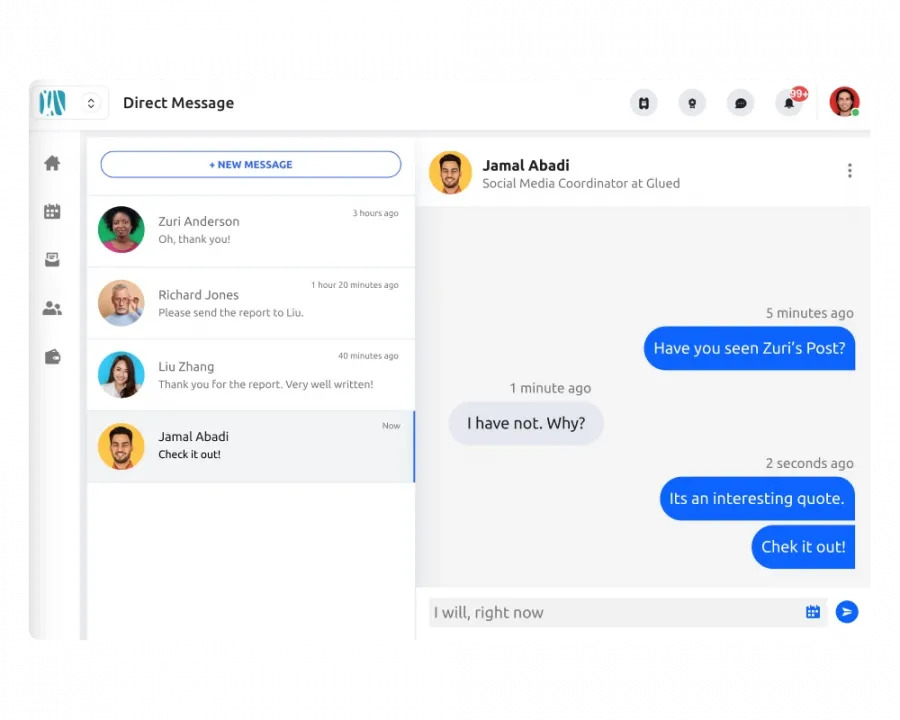
- Continue conversations via 1-on-1 chat
All contact history and notes feed into each member’s individual CRM profile, so the connection doesn’t end after the timer.
Manage It All From One Place
With Glue Up’s Speed Networking module, you get full control over session logistics:
- Define session length, set attendee limits, and moderate content
- Host structured online events with branded video calls and built-in CRM updates
- Empower your community to connect, no matter where they are
Whether you're running events monthly or just a few times a year, Glue Up gives you everything you need to plan, deliver, and measure your networking experiences from one platform.

Speed networking works well with as few as 10 participants and can scale to 100+ if the format is structured properly. Smaller groups benefit from 1-on-1 rounds, while larger groups often perform better with automated rotation or themed group sessions.
Most chambers and associations find that 45 to 75 minutes is the sweet spot. This allows time for introductions, multiple rounds, short breaks, and a proper wrap-up without exhausting participants.
Yes. For virtual or hybrid events, sessions can be scheduled in overlapping time windows or run as multiple short sessions across the day. Platforms like Glue Up support time-bound sessions and automated rotations, which makes coordination easier across regions.
No. Participants can join speed networking sessions through their browser, and those using the My Glue mobile app can manage connections, chats, and follow-ups directly from their phone.
Glue Up supports automatic and randomized matching, with the option to filter by member type, role, industry, or custom fields stored in your CRM. This removes the need for manual pairing or spreadsheets.
Yes. You can allow non-members to register for the event while still controlling access, permissions, and follow-up actions. Many organizations use this format as a soft introduction to membership.
It can be, if structured correctly. Sponsors can be included as rotating participants, hosts of themed tables, or highlighted connections. Glue Up’s reporting tools help show sponsors how many interactions and meetings took place.
Yes. Many chambers run monthly or quarterly sessions using the same framework. Glue Up lets you clone events, reuse settings, and compare performance over time to see what formats work best.
With automated platforms like Glue Up, the system adjusts rotations automatically. Participants who disconnect can rejoin, and remaining attendees continue without disruption.