The strength of any CRM for associations comes from how authority is structured. Roles and permissions define who can access financial records, manage membership data, and generate reports at both the chapter and national levels.
When governance settings are weak, you face compliance risks, inconsistent reporting, and unnecessary data exposure. The complexity grows exponentially in multi-chapter organizations where local leaders expect autonomy while headquarters must enforce accountability. That balance requires a clear design within the CRM itself.
In this post, you'll see why role-based access is essential in CRM for associations, the measurable benefits of aligning permissions with governance structures, and how Glue Up's AI-powered association CRM software enforces compliance, security, and performance across every chapter.
Prefer to skip the read? Watch the overview video of our advanced CRM package and book a demo to see how it works in practice.
Key Takeaways
- Roles and permissions are governance tools. They protect data, enforce accountability, and align authority across associations.
- Security depends on access control. Restricting permissions reduces the risk of breaches and strengthens compliance.
- Role hierarchies create clarity. Boards, staff, and chapter leaders see only what's relevant to their authority.
- Audit logs ensure accountability. Every action is traceable, protecting associations from disputes and compliance failures.
- Glue Up enforces governance at scale. With role-based dashboards, permission templates, audit trails, and cross-module workflows, associations balance autonomy with oversight.
Why Roles and Permissions Matter in Association CRM
In an association CRM, roles and permissions establish the rules of governance. They determine who can approve renewals, authorize payments, access financial data, or edit membership records. Without structured governance, accountability breaks down and compliance becomes harder to prove. As TecnoSoluciones notes, permissions are not technical details but essential to performance and oversight. And here's why they're important:
Security and Data Protection
Associations hold sensitive member and financial information. When permissions are poorly configured, the risk of unauthorized access rises sharply. Nutshell highlights access control as one of the most effective safeguards against data breaches. For associations, strong permission management is not optional — it's a baseline requirement for protecting trust.
Authority and Role Hierarchy
Every association operates on layers of authority: boards, staff, chapter leaders, and members. A CRM must reflect this hierarchy. Board members may need high-level dashboards and audit logs, while staff should only see the tools required for daily operations. HubSpot's user management guide illustrates how defining levels of access aligns responsibility with authority.
Multi-Chapter Oversight
The challenge intensifies in multi-chapter organizations. Chapters need local autonomy to engage members, yet headquarters must retain visibility over finances, membership, and events. Role-based access and shared dashboards keep data transparent while respecting chapter independence. As Frontegg explains, permission structures are the foundation of scalable governance.
Key Benefits of Role-Based Access in CRM for Associations
Associations carry responsibility for safeguarding sensitive member and financial records. Role-based access limits exposure by ensuring only authorized users can view or modify data. Gartner research underscores identity and access management as a top priority for reducing organizational risk. With the right association CRM software, you protect trust while reducing compliance gaps. Here's how:
Clear Governance Structures
Permissions clarify authority at every level. Boards access oversight dashboards, staff manage operational tasks, and chapter leaders focus on local workflows. You avoid overlap and enforce accountability across the hierarchy. Microsoft's security governance guidelines show how aligning permissions with roles strengthens governance in complex organizations.
Faster, Smarter Decisions
Dashboards tailored by role surface only the insights leaders need. Executives track renewals, member growth, and revenue; staff handle daily activity; chapters monitor local engagement. You reduce noise and accelerate decisions. McKinsey links access management to improved organizational agility, a principle directly applicable to associations using CRM.
Improved Accountability
Every action inside the CRM should be traceable. Audit logs provide transparency, resolve disputes, and document compliance. Associations benefit when decisions leave a digital trail of accountability. ISACA emphasizes role-based access as a cornerstone for audit readiness and IT governance.
Scalable Multi-Chapter Operations
The autonomy-versus-oversight struggle defines multi-chapter associations. Permission templates standardize governance across all chapters while still allowing local flexibility. Headquarters gains compliance, chapters gain agility, and the organization scales with confidence. Carnegie Mellon University highlights role-based models as critical to managing complexity at scale, exactly the challenge multi-chapter CRMs must solve.
How Our All-In-One Association Software Enforces Governance And Balances Control
Glue Up's CRM for associations is more than a contact database. It's the governance layer that helps executives structure authority, enforce accountability, and align chapters with headquarters. Built specifically for associations, chambers, and multi-chapter organizations, it centralizes member data, sponsorship activities, financial records, and engagement history into one connected system.
By linking directly with modules like membership, events, and finance, our AI-powered CRM becomes the operational hub of your organization. This integration ensures that the same permissions and governance protocols apply across renewals, events, finances, and community engagement.
Role-Based Dashboards That Match Authority
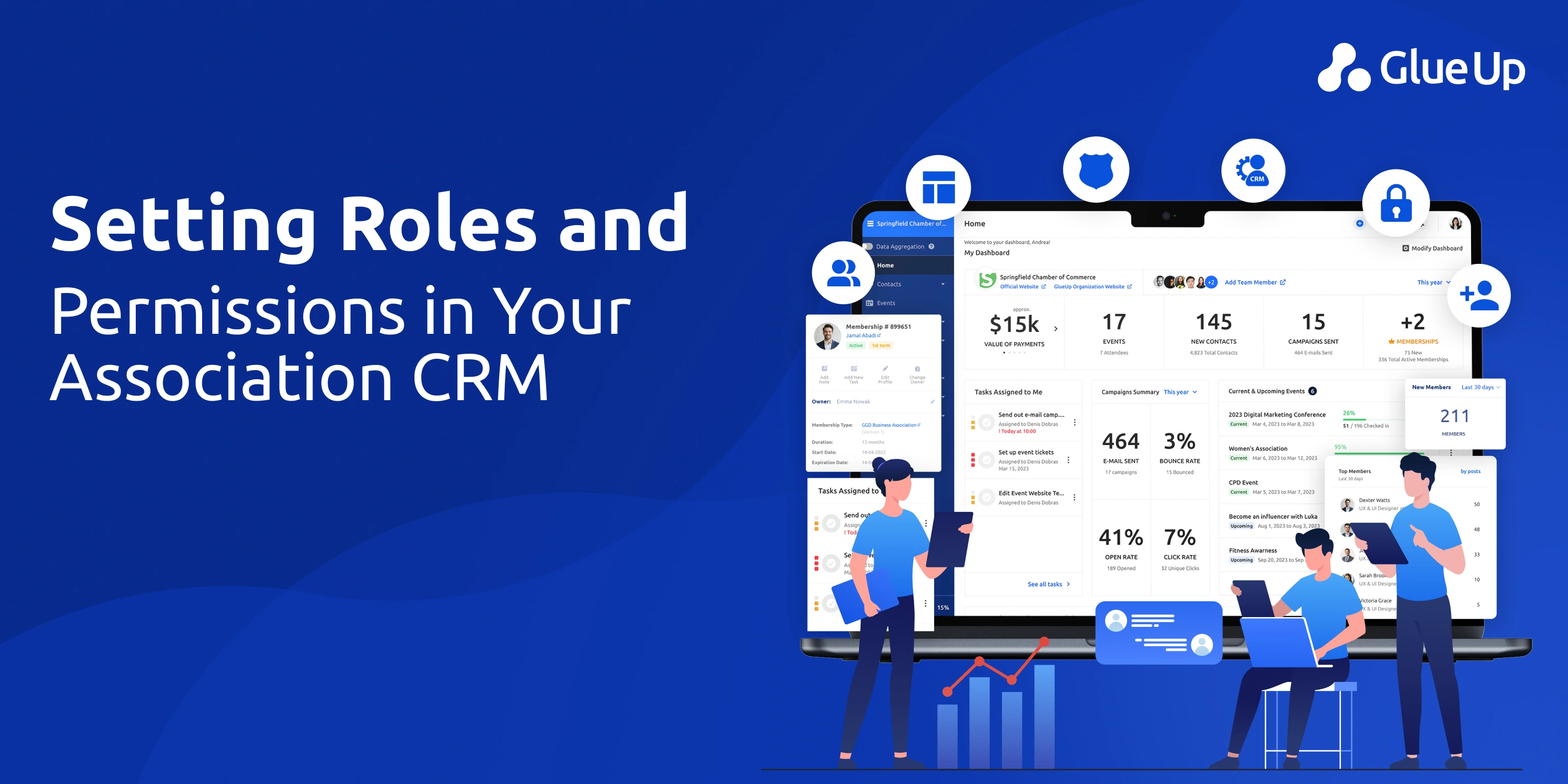
Executives see high-level KPIs like renewals, revenue, and retention. Staff see workflows and operational tasks. Chapter leaders view local data without accessing national financials. By tailoring dashboards to authority levels, Glue Up eliminates noise and reinforces accountability.
Permission Templates for Chapters and Staff
Instead of configuring settings one by one, you assign permission templates that define what roles can do across chapters and departments. Headquarters controls financial reconciliation and reporting, while chapters manage applications, renewals, and events within approved boundaries.
Audit Logs and Compliance Monitoring
Glue Up tracks every user action inside the system, creating a full audit trail. This gives boards evidence of compliance, protects associations from disputes, and ensures staff, volunteers, and chapters remain accountable for how they use member and financial data.
Multi-Chapter Oversight With Local Flexibility
Glue Up resolves the autonomy-versus-oversight challenge by letting HQ enforce global standards while giving chapters space to adapt locally. For example, HQ pushes branded event templates, but chapters can customize tickets and registrations. HQ oversees financial ties, but chapters manage their own dues collection.
Turn Governance Into Growth With Glue Up's Powerful CRM for Associations
Roles and permissions in a CRM aren't configuration details. They're governance decisions that determine whether your association scales with confidence or struggles with compliance risks and operational blind spots. When you align access controls with authority structures, you protect sensitive data, strengthen accountability, and accelerate decisions across every chapter.
Glue Up's CRM for associations operationalizes that alignment. You gain dashboards tailored by role, permission templates that scale across chapters, audit logs that secure compliance, and workflows that connect CRM data with membership, finance, events, and community. The result is governance enforced through technology and growth powered by clarity.
Book a demo today and see how Glue Up helps associations enforce accountability, protect trust, and scale without losing control.
Frequently Asked Questions
What is role-based access in association CRM?
Role-based access defines who can see or act on data inside an association CRM. It assigns authority levels to users such as board members, staff, or chapter leaders to ensure governance and accountability.
Why are permissions important in CRM for associations?
Permissions protect sensitive member and financial data, reduce compliance risks, and prevent unauthorized access that could lead to breaches or errors.
How do roles and permissions help multi-chapter associations?
They create a balance between headquarters oversight and chapter autonomy. HQ sets standards, while chapters operate locally within defined limits.
What KPIs can executives monitor with role-based dashboards?
Membership growth, renewal rates, revenue, event participation, and chapter performance are visible by role, giving leaders real-time visibility at every level.
How does Glue Up enforce governance in its CRM?
Glue Up provides role-based dashboards, permission templates, audit logs, and integration across membership, finance, and events to ensure governance applies consistently across the organization.
Quick Reads
- Add-On Cart for Member Retention & Growth
- Simplify Multi-Currency Payment Posting for Community Chapters With Glue Up + Paygage
- AI Automation for Event Registration & Beyond
- Integrating AI into CRM for Membership Growth
- How to Build a Chapter Event Calendar
- What Is All-In-One Association Software?
- AI-Powered Member Check-In Software